
One Turn Kill Steam Deck Performance and Controls
One Turn Kill is verified as Playable on Steam Deck, featuring functional default controls, legible on-screen interface text, and stable performance using the default graphics configuration across all card encounters.
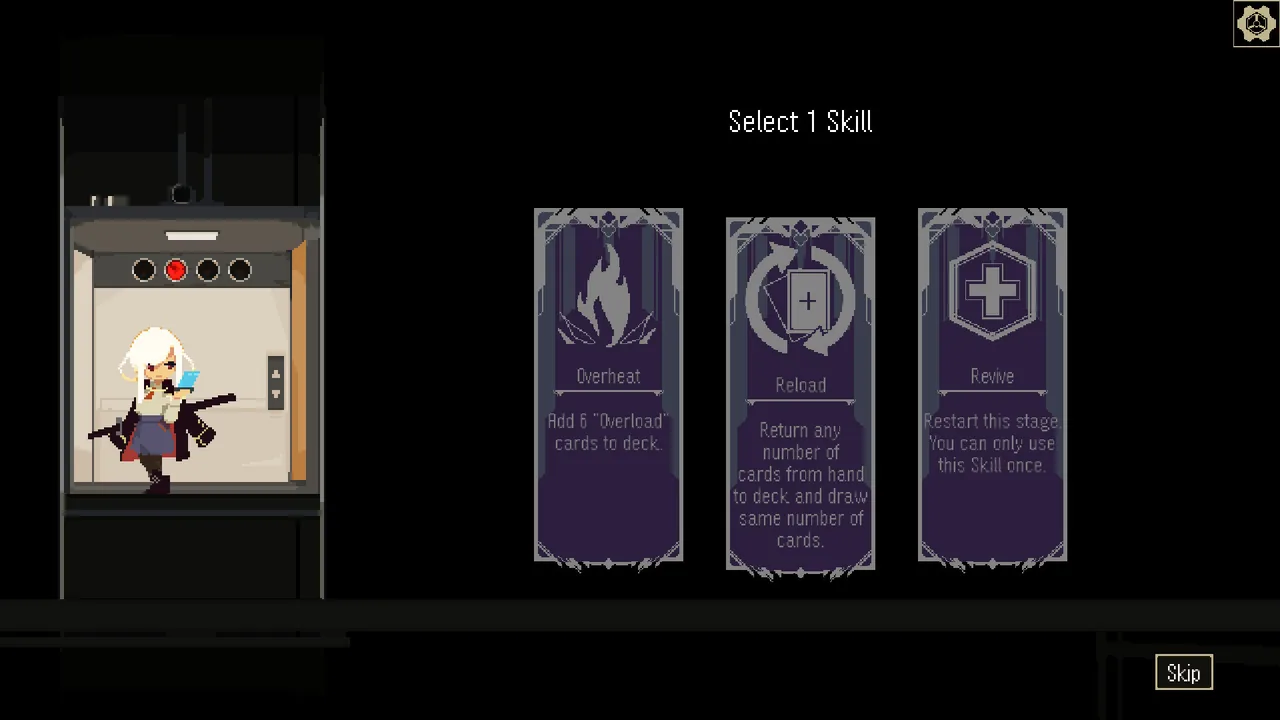
One Turn Kill is verified as Playable on Steam Deck, featuring functional default controls, legible on-screen interface text, and stable performance using the default graphics configuration across all card encounters.
How Does One Turn Kill Run on Steam Deck?
Valve Playable certification is the official compatibility tier recorded for the title on the GamesLike entry following an assessment checked on 2026-10-07. The release maintains stable frame pacing on standard handheld settings because its pixel art wasteland encounters demand modest hardware resources. According to technical specifications listed on the Steam store page, the game requires 600 MB of available storage space, 16 GB RAM, and a 2.0GHz processor, fitting well within the Steam Deck hardware environment.
Interface text remains sharp and legible on the handheld screen without extra configuration steps. Players tracking battle mechanics do not need display scaling tweaks to read card text, enemy indicators, or dialogue prompts during high-stakes turns.
What Are the Steam Deck Controls for One Turn Kill?
Trackpad navigation is the primary input method for manipulating cards on the handheld device. Developer DenDen built the game around a dedicated mouse-only control scheme, meaning the default Steam Deck profile assigns cursor movement to the right trackpad and action inputs to the triggers. Players can right-click to instantly play a card from hand rather than dragging it across the screen, speeding up execution during turns where hesitation leads to an immediate enemy counterattack.
The user interface includes a dedicated button that automatically rearranges all hand cards in order. When testing single-turn combos against the practice scarecrow, swift trackpad positioning keeps draw combos fluid while navigating hand limits.
Steam Deck Hardware and Playstyle Configurations
Device configuration is a matter of matching input hardware to turn-timer demands during intensive runs. Managing a compact 20-card deck during deck building or allocating upgrade chips between stages allows for several physical control arrangements:
| Control Profile | Recommended Situation | Hardware Requirement |
|---|---|---|
| Default Trackpad Emulation | Standard handheld story runs and single-match play | Built-in right trackpad and shoulder triggers |
| External Mouse Input | Detailed deck assembly and rapid manual drag sequences | Docking station or paired Bluetooth mouse |
| Direct Touchscreen Input | Casual menu confirmations and story dialog progression | Built-in capacitive touch display |
Following core turn-planning tactics from a standard guide keeps runs efficient on handheld hardware. Players transitioning from the standalone demo version to the full commercial game on Steam Deck must begin progress from the start, as demo save files do not port over into the full client on the platform.
Next step
Upgrade Chips
Spend upgrade chips to enhance cards, unlock the facility at BIAS 6, and manage card toggles across different boss encounters.
Related Guides
One Turn Kill Backdoor Card Guide & Combos; One Turn Kill Bosses: Boss Guide and Stats