
One Turn Kill Save File Location and Backup Guide
The One Turn Kill save file location is found in the Windows Local AppData directory at %LOCALAPPDATA%\OTK_2025. Players access this folder to back up run progress, manage difficulty unlocks, and protect profile files before testing modifications.
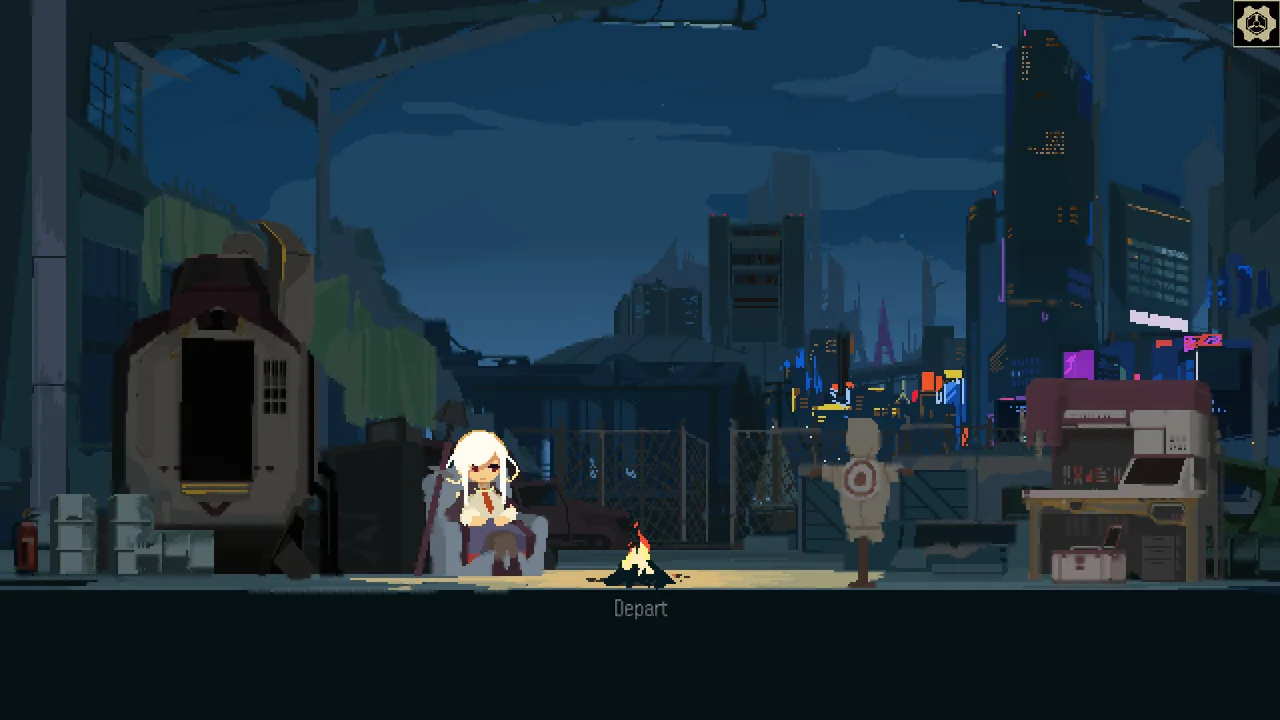
The One Turn Kill save file location is found in the Windows Local AppData directory at %LOCALAPPDATA%\OTK_2025. Players access this folder to back up run progress, manage difficulty unlocks, and protect profile files before testing modifications.
Where Is the One Turn Kill Save File Located?
The One Turn Kill save file location is the directory where local progress, unlocked cards, and difficulty settings are stored on Windows. DenDen developed the title for Windows PCs, and Waku Waku Games published it on Steam. A player inquiry on the Steam community forum thread confirmed that user data resides in the local app configuration area rather than the installation directory.
To access the directory directly on your system, follow these steps:
- Press the Windows Key and R together on your keyboard to open the Run dialogue box.
- Enter
%LOCALAPPDATA%\OTK_2025into the text prompt. - Click OK or press Enter to open File Explorer directly to the save container.
If you prefer navigating manually through your storage drive, open File Explorer and follow this file path structure:
C:\Users\[YourUsername]\AppData\Local\OTK_2025
Because the AppData directory is marked as hidden by default in Windows 11, enable hidden items under File Explorer view options if you manually click through user folders.
How Do You Create a Manual Save Backup?
Manual backups are duplicate copies of save archives stored outside the active application path. Creating copies protects card collection milestones, unlocked upgrade chips, and progress toward the achievement guide objectives.
To secure your files:
- Close the game completely so active process locks release existing data.
- Open the
%LOCALAPPDATA%\OTK_2025folder through the Run prompt. - Copy the entire
OTK_2025directory. - Paste the copy into an external backup drive or a dedicated local storage folder.
Copying the directory preserves your records before adjusting encounter settings or experimenting with community mods. Restoring a backup requires pasting the copied files back into %LOCALAPPDATA%\OTK_2025 while the client remains closed.
Which Backup Method Matches Your Needs?
Choosing a backup method depends on whether you plan to test experimental card decks against difficult bosses or perform a full run reset.
| Backup Method | Recommended Situation | Operational Requirement |
|---|---|---|
| Manual Zip Archive | Long-term milestone storage before high difficulty | Basic archive compression tool |
| Folder Duplication | Quick safety check before game file edits | Local secondary storage space |
| Directory Wipe | Clean profile reset to restart score ladders | Manual folder deletion |
What System Requirements Affect Save Storage?
Local storage is the drive space required to house game files and saved runs on your computer. According to the One Turn Kill Steam store page, the game requires 600 MB of available storage space on Windows 11. The publisher lists full support details on the official Waku Waku Games website.
The client runs with 16 GB RAM and minimum graphics hardware such as the AMD Radeon 760M. In addition to Windows 11 desktops, Valve lists the game as Playable for handheld users on Steam Deck. The tiny profile footprint means save files occupy only a few kilobytes within the local storage partition, making multiple manual archive folders practical for players tracking different run strategies.
Next step
Scarecrow Dummy
Learn how the training dummy scales from 999 HP to 99,999 HP and how to build infinite combos to beat it.
Related Guides
One Turn Kill Scarecrow Dummy Guide and Decks; One Turn Kill Speedrun Route and Any% Strategy